
Minify CSS, JavaScript & Web Developer Tools
MinifyCSSJS.com is a browser-based developer tools website built for CSS, JavaScript and frontend development. Minify a stylesheet, shrink a script, compare two versions of a file, or convert an image to WebP — paste your code, get the result, and get back to shipping. No installs, no accounts, no dashboard to learn first.
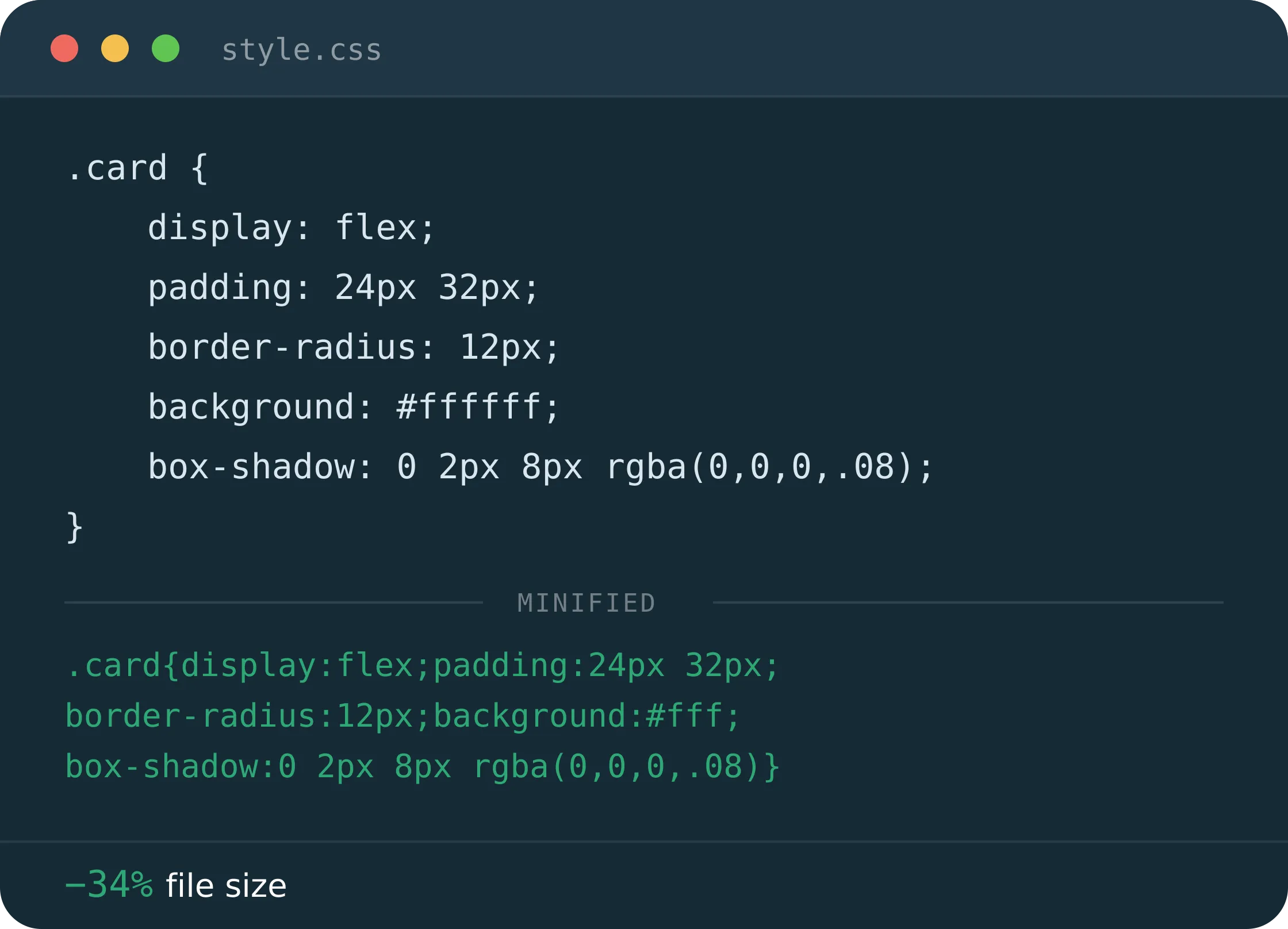
Every tool you need before you ship
No dashboard, no npm install, no tutorial. Pick one below and it opens straight into a working editor.


CSS Tools for Web Developers
MinifyCSSJS provides practical CSS tools for writing, formatting, generating and troubleshooting stylesheets — from shrinking a production file to working out a layout without doing the math by hand.
| CSS Minifier | Beautify, restructure or compress a stylesheet, including merging scattered @media queries. |
| CSS Flexbox Generator | Stop guessing at align-items and justify-content — build the layout visually instead. |
| CSS Transform Generator | Set up translate, rotate, scale and skew values with an immediate visual preview. |
| CSS Clamp Calculator | Turn a min/preferred/max size into a working clamp() value, no manual formula needed. |
JavaScript & Code Tools
Alongside CSS, MinifyCSSJS covers the code and data tools that come up in everyday frontend work — formatting, comparing and validating what you’re about to ship.
| JavaScript Minifier | Compress a JS bundle before deployment while keeping the logic exactly as written. |
| JSON Formatter & Validator | Paste messy JSON, get it indented and validated, and minify it again for production. |
| Diff Checker | Find the one changed line in a long file, or review what actually moved between two versions. |
| Regex Tester | Paste in a pattern and see every match, group and replacement before it goes anywhere near your code. |
Web Performance & Asset Optimization
Frontend performance often starts with reducing unnecessary bytes — smaller stylesheets, smaller scripts, smaller images. Start with the CSS Minifier and JavaScript Minifier to cut dead weight from your code, then re-encode PNG and JPG assets with the Image to WebP Converter or Image to AVIF Converter for a format that loads faster without a visible quality drop. It won’t replace a full performance audit, but it covers the changes that are easiest to make and hardest to postpone.
AI & Productivity Tools
MinifyCSSJS also includes a small collection of AI and productivity resources for developers and creators. They live alongside the CSS and JavaScript tools but aren’t the main focus of the site.


Why developers use MinifyCSSJS
Real performance gains
Smaller CSS and JS output that actually shows up in Lighthouse scores and real-world load times.
Runs in your browser
No npm install, no build step. Paste your code, get the result, move on.
Code stays on your device
CSS, JavaScript, JSON and diff tools process everything locally — nothing is sent to a server.
Built for daily use
No rate limits, no watermarks, no account walls — just tools you can bookmark and reuse.
Guides on CSS, JavaScript and page speed
Practical write-ups on shrinking CSS and JavaScript, building layouts, and improving Core Web Vitals.
CSS Flexbox Tutorial: The Complete Guide to Flex Layout
You’ve got two boxes sitting side by side. One of them is taller than the other, so the shorter…
Diff Checker: Free Online Tool to Compare Text & Code
You changed one line in a 400-line config file. Now you need to find it. Or maybe a client…
Compress CSS & JS Instantly – Free Developer Minify Tool
You already know the feeling. You open PageSpeed Insights, brace yourself, and there it is again: “Reduce unused CSS,” “Minify…
Questions developers actually ask
Ready to ship something smaller and faster?
Slow stylesheets and bulky scripts are a solved problem. Paste yours in and see the difference in seconds.