
About MinifyCSSJS
MinifyCSSJS builds practical browser-based tools for developers working with CSS, JavaScript, frontend code and web performance.
Developers often need a small utility for one specific task — shrink a stylesheet, format a JSON blob, compare two versions of a script. Installing a package or setting up a build step for a two-minute job is usually more trouble than it’s worth. MinifyCSSJS exists to cover that gap: a focused browser tool for the task in front of you, not a platform to learn first.
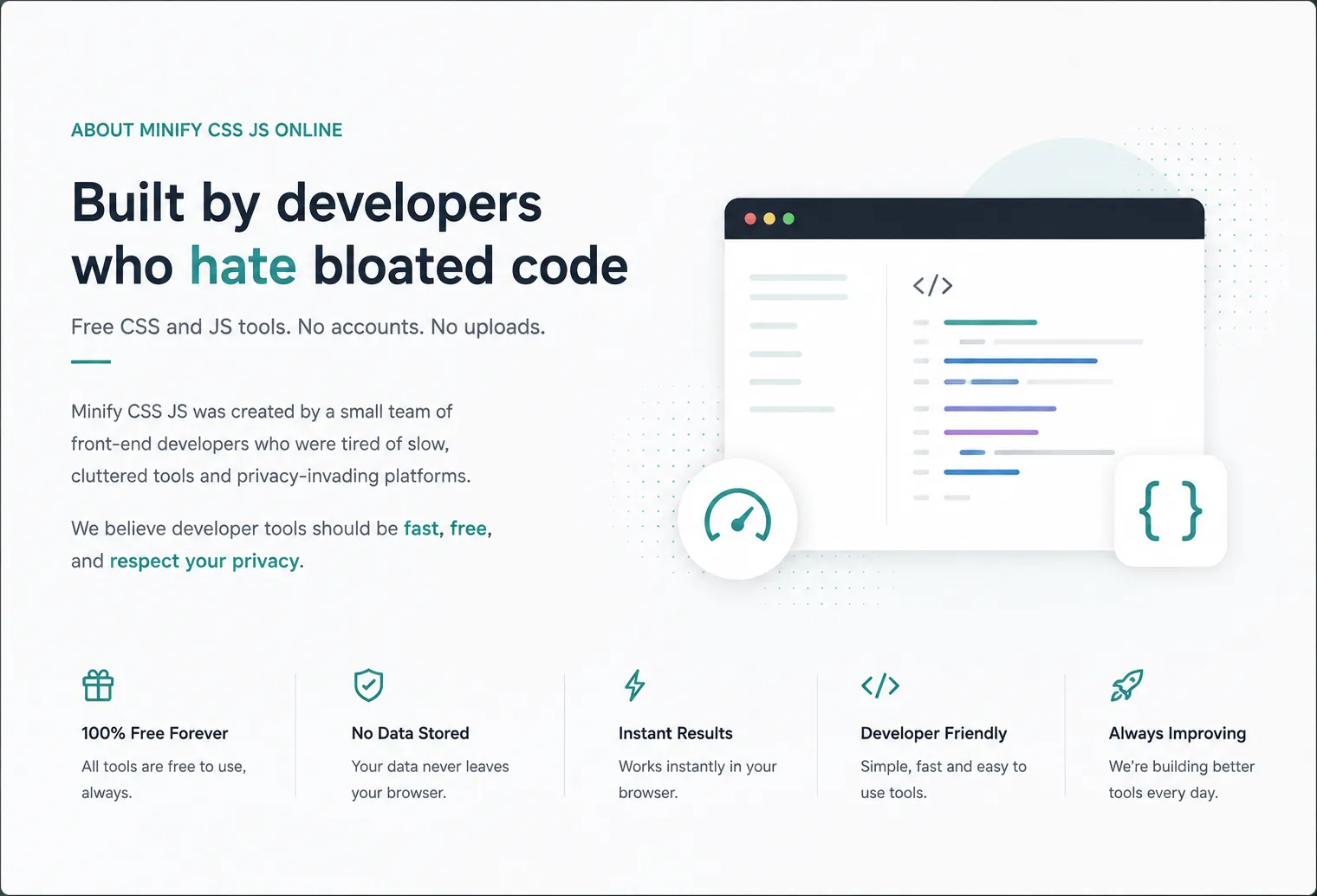
What Is MinifyCSSJS?
MinifyCSSJS.com is a browser-based developer tools website focused on CSS, JavaScript, frontend development and web performance utilities. The site currently covers minification, formatting, comparison, CSS generation and calculation, and image conversion — plus a small set of AI and productivity tools that sit alongside the core toolkit rather than at the center of it.
Why We Built MinifyCSSJS
MinifyCSSJS launched in July 2026 as a CSS and JavaScript minifier. The free compressors already out there were, in our experience, ad-heavy, missing features like @media query merging, or aggressive enough that we didn’t fully trust the output on production code. So we built the version we wanted to use ourselves: one page, paste your code, get a result, nothing to sign up for.
We’re a young site, and we’d rather be upfront about that than imply a longer history. What we can say is that every tool here is actively maintained and tested against real, messy code rather than tidy examples. The toolkit has grown since launch — from two tools to twelve — but the reasoning behind each addition has stayed the same: a specific, recurring frontend task that didn’t need an entire application built around it.

Kavaiya Nirmal
I’ve spent the last 12 years building WordPress products — plugins, custom themes, and one-off solutions for sites that couldn’t afford to break. Most of that work happens far from the spotlight: fixing a minifier that mangled someone’s production CSS, rewriting a theme’s PHP so it survives the next core update, building a plugin because none of the marketplace options did quite what the client needed.
MinifyCSSJS grew out of that experience. Every tool on this site gets tested the way I’d test something going onto a client’s live site — against real, messy code, not clean demo examples. If something here feels overbuilt, under-explained, or just wrong, that’s a bug, not a design choice. Tell me and I’ll fix it.
Our Approach to Developer Tools
Five things we try to hold to on every tool we ship.
One problem at a time
A tool should do one thing clearly rather than trying to be a full suite.
Useful output
You should understand what changed and what to do with the result, not just get a black-box answer.
Browser-first
Where it’s technically practical, you should be able to finish the task without leaving the tab.
No unnecessary complexity
The interface stays focused instead of growing into a full development environment.
Practical over promotional
We’d rather explain what a tool actually does than oversell what it might do.
How MinifyCSSJS Tools Are Built
Most of what MinifyCSSJS does — minifying, formatting, comparing, calculating, converting — is deterministic: the same input should produce the same, predictable output every time. That’s a different job than generating something new, and it’s a large part of why a purpose-built tool makes sense for it. We aim to make each tool predictable, understandable and useful for its intended task, while continuing to test and improve the implementation. If you run into a result that looks wrong, the fastest way to get it fixed is to tell us.
Why We Build Tools Instead of Relying Only on AI
AI is genuinely useful for explaining unfamiliar code, brainstorming an approach, or generating a starting example. That’s a different kind of task from what most of MinifyCSSJS does. When what you actually need is an exact minified file, a calculated clamp() value, a precise diff, or a validated JSON structure, a purpose-built tool gives you a direct, repeatable result without a prompt in between. That’s the gap MinifyCSSJS is built to fill — and it’s why the site’s AI tools stay a small, separate part of it rather than the main focus.
Built With Clarity and Trust in Mind
Straight answers
We say what a tool does and doesn’t do, rather than inflating the claim.
Transparent interfaces
Paste input, see output — no hidden steps in between.
No dark patterns
No forced signups, no fake urgency, no surprise upsells.
Actively maintained
The grown from two tools to twelve since launch, and continues to change.
Your Data and Privacy
Data handling varies by tool, so here’s the accurate breakdown rather than a blanket claim.
Processed in your browser
- CSS Minifier, JavaScript Minifier, JSON Formatter and Diff Checker run entirely client-side.
- The CSS generators (Flexbox, Transform, Clamp Calculator) work the same way.
- What you paste into any of these tools is never sent to or stored on our servers.
Handled differently
- Image to WebP Converter needs to process your file on our end; uploaded images are automatically deleted within about an hour.
- The contact form sends your name, email, subject and message directly to us.
- Standard server logs (IP address, browser type, pages requested) are kept briefly for security and troubleshooting.
What We’re Working On
MinifyCSSJS launched in July 2026 with two tools: a CSS minifier and a JavaScript minifier. Since then the toolkit has grown to twelve, including CSS generators for flexbox, transforms and clamp() values, a JSON formatter, a diff checker, and an image-to-WebP converter — the last of which was still in development when this site launched and has since shipped. The developer blog covers some of the reasoning behind individual tools alongside CSS and JavaScript performance topics more generally.
Our Mission
Give developers instant, reliable optimization tools without friction — no account walls, no upload requirements beyond what a tool technically needs, and no upsells.