
AI Social Caption Generator – Free Captions & Hashtags
Describe your post, pick a platform and a tone, and get a ready-to-post caption with matching hashtags in about five seconds. Free, browser-based, and there is nothing to sign up for.
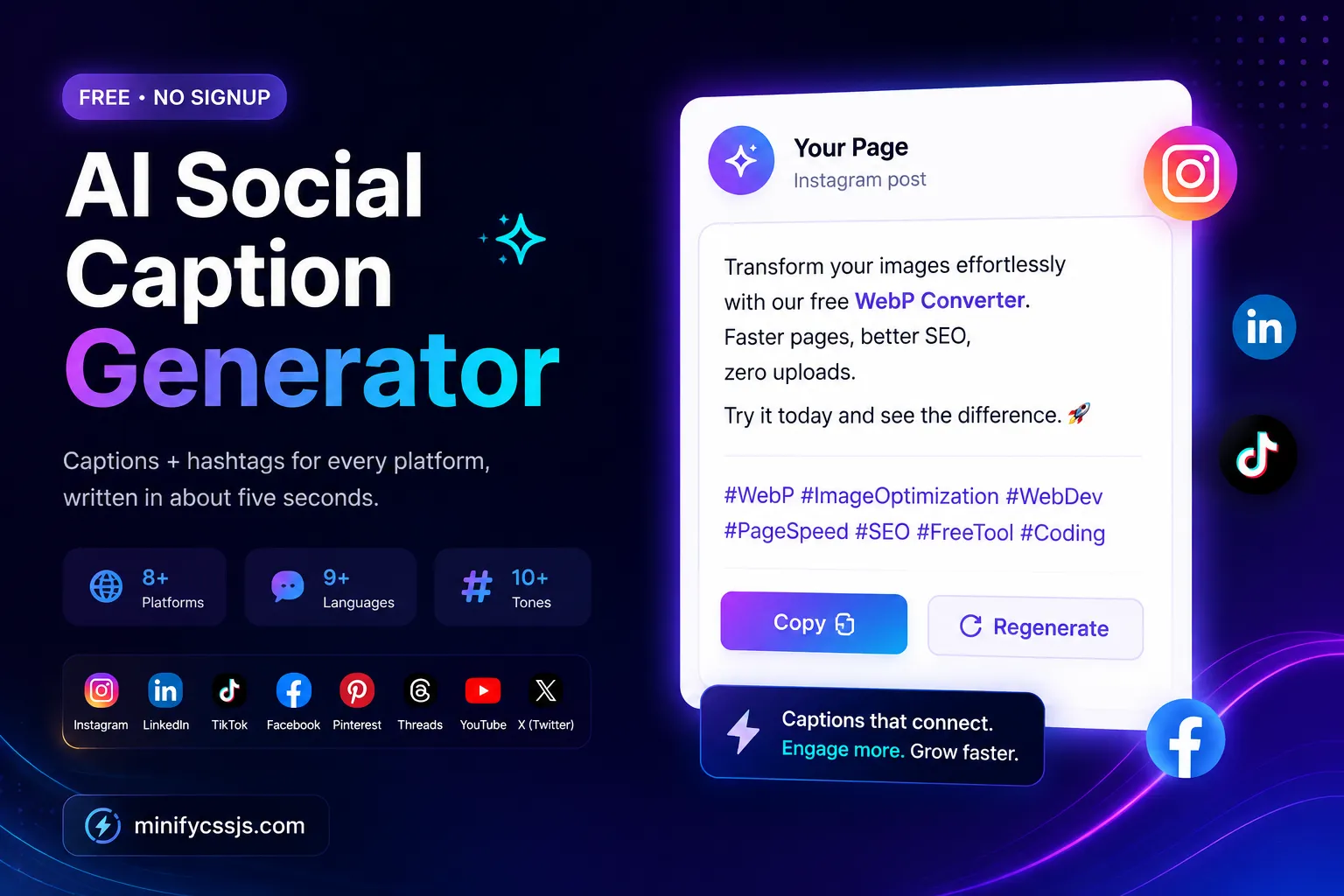
Your generated caption preview will appear here.
Everything the caption generator gives you
Most free caption tools hand you a block of text and leave the rest to you. This one fills in the parts you would otherwise write by hand — the hook, the call to action, and a hashtag set that actually matches the topic.
Supported platforms
A caption that performs on LinkedIn will underperform on TikTok. Length, line breaks, hashtag counts and the appetite for emoji all differ. Pick the platform first and the output adjusts to suit it.
Hook in the first line before the “more” cut-off, generous hashtag sets, emoji-friendly.
Conversational and slightly longer. Fewer hashtags, more room for context and story.
Professional register, credibility-first opening, restrained hashtag use.
X (Twitter)
Tight and punchy. Every word earns its place inside the character budget.
TikTok
Short, casual, trend-aware. Written to be read in the second before the video hooks.
Keyword-forward and descriptive, because Pinterest behaves far more like a search engine.
Threads
Relaxed and conversational, closer to a text message than a press release.
YouTube Community
Built to prompt replies and polls from an audience that already subscribed.
How the AI caption generator works
Three fields are genuinely required. Everything else refines the result.
Type the topic — a product launch, a blog post, a behind-the-scenes photo. Add a longer description if the context matters, and drop in keywords you want reflected.
Choose where it is going, who it is for, which tone fits, the caption length, whether you want emoji, and how many hashtags you need.
Hit Generate. The caption appears in a preview styled like a real post so you can judge it in context, then copy the whole thing with one click.
What happens behind the scenes
Your inputs are assembled into a tightly structured prompt and sent to a large language model. The model returns structured data — caption and hashtags as separate fields — which is why the hashtags never end up duplicated inside the caption text. If the model returns something malformed, the request is retried automatically before you ever see an error.
That structured-output approach is a deliberate design choice and it is worth explaining, because it is where most free caption tools quietly fall down. If you ask a language model for “a caption with hashtags” as plain prose, you get a single blob of text that you then have to split apart by hand — and the model will often repeat the hashtags twice, or wrap your URL in markdown link syntax that Instagram renders as literal square brackets. By asking for a defined structure and validating the response against it, the caption and the hashtags arrive as genuinely separate pieces of data. That is what makes the one-click copy produce something you can paste without cleaning up.
Why teams use an AI caption generator
It removes the blank-page problem
Editing is far easier than starting cold. Most people spend the bulk of their caption time on the first sentence — this hands you a complete draft to react to, which is a fundamentally easier task.
It keeps a consistent voice across a week of posts
Pick the same tone and audience each time and the output stays recognisably yours, even when three different people are scheduling posts.
It handles the hashtag research you keep skipping
Hashtag sets are generated from the actual topic rather than copied from a saved note you last updated eight months ago.
It makes multi-platform posting realistic
Run the same topic through four platform settings and you get four appropriately different captions, instead of pasting one identical block everywhere.
It works in languages you do not write fluently
Nine languages, written natively rather than machine-translated, which matters when you are serving a regional audience.
It costs nothing to try
No trial timer, no card, no upgrade wall after three generations. A fair-use rate limit keeps it available for everyone.
How it compares to writing captions by hand
AI is not always the right answer. Here is an honest read on where each approach wins.
| What you need | This generator | Writing manually | Typical free tool |
|---|---|---|---|
| Time per caption | ~5 seconds | 10–25 minutes | ~10 seconds |
| Signup required | No | — | Usually yes |
| Free generations | Unlimited (fair use) | — | Often 3–5 |
| Platform-specific output | 8 platforms | Yes, if you know each one | Sometimes |
| Hashtags included | 5–30, topic-matched | Manual research | Sometimes |
| Non-English output | 9 languages | Only what you speak | Rare |
| Lived experience & inside jokes | Limited | Unbeatable | Limited |
| Sensitive or crisis messaging | Not advised | Write it yourself | Not advised |