
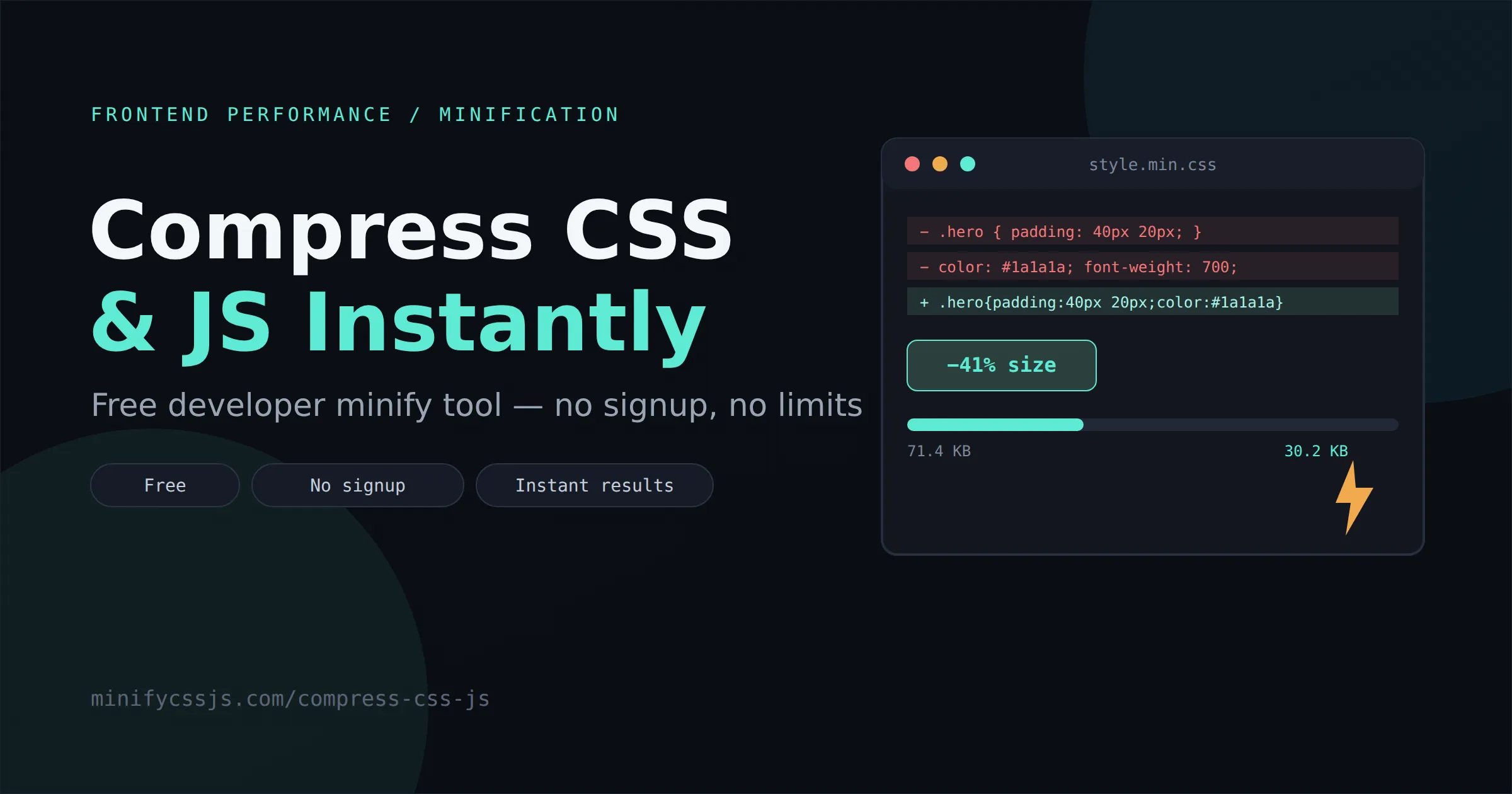
You already know the feeling. You open PageSpeed Insights, brace yourself, and there it is again: “Reduce unused CSS,” “Minify JavaScript,” “Eliminate render-blocking resources.” Your site looks fine. It just doesn’t feel fast — and the report is telling you exactly why.
Here’s the thing nobody tells junior devs: it’s rarely one giant mistake tanking your load time. It’s a slow accumulation — a few unminified stylesheets here, a bundler never configured for production there, a plugin shipping its own copy of jQuery just because. None of it looks bad in isolation. Together, it’s death by a thousand kilobytes.
Every millisecond genuinely counts. Bounce rates climb sharply once load time crosses the two-to-three-second mark, and mobile users are even less patient. Google doesn’t just suggest you fix this — it factors page experience directly into ranking. So the real question isn’t “should I compress CSS and JS,” it’s “why haven’t I automated this yet.”

What is CSS & JS Minification?
Minification strips everything from your code that a browser doesn’t actually need to execute it — without touching the logic or the output.
- Whitespace removal — every unnecessary space, tab, and indent
- Comment removal — dev notes and TODOs browsers never read anyway
- Line break removal — collapsing multi-line rules into compact single lines
- Variable optimization — shortening names that are safe to shorten
- File size reduction — smaller payloads, identical behavior
Crucially, none of this changes what your CSS or JavaScript does. A well-built css minifier or js minifier is functionally invisible to your users — they just notice the site loads faster.
Why Website Speed Actually Matters
This isn’t a “nice to have” anymore — speed is a ranking signal, baked directly into how Google evaluates pages through Core Web Vitals.
| Metric | What it measures | Minification’s impact |
|---|---|---|
| LCP | How fast the main content renders | Smaller CSS/JS parses and downloads faster |
| INP | Responsiveness to user input | Leaner JS means less main-thread blocking |
| CLS | Visual stability while loading | Faster CSS delivery reduces layout jank |
A slow site quietly erodes trust before a single word of your copy gets read. Mobile users on inconsistent connections feel bloated JavaScript especially hard — every extra kilobyte is parsed and executed on devices with a fraction of a desktop’s headroom. Compress CSS & JS properly, and you improve SEO, user experience, and conversions with the same piece of work.
Benefits of Compressing CSS & JavaScript
CSS Minification Example
Here’s a fairly typical CSS block, straight from a development file:
.hero-section {
    display: flex;
    align-items: center;
    justify-content: space-between;
    padding: 40px 20px;
    /* main banner background */
    background-color: #f4f4f4;
}
.hero-section h1 {
    font-size: 32px;
    font-weight: 700;
    color: #1a1a1a;
}
.hero-section{display:flex;align-items:center;justify-content:space-between;padding:40px 20px;background-color:#f4f4f4}.hero-section h1{font-size:32px;font-weight:700;color:#1a1a1a}JavaScript Minification Example
function calculateTotal(price, quantity) {
    // Calculate total price including tax
    const taxRate = 0.08;
    const subtotal = price * quantity;
    const total = subtotal + (subtotal * taxRate);
    return total;
}
function calculateTotal(t,c){const n=t*c;return n+.08*n}Common Mistakes Developers Make
- Uploading development files straight to production instead of a build output
- Shipping unused CSS from frameworks never purged or tree-shaken
- Leaving unused JS in bundles — old feature code nobody removed
- Stacking too many plugins, each loading its own CSS/JS on every page
- Blocking render with synchronous scripts in the
<head> - Not enabling caching, so browsers re-download the same assets repeatedly
- Ignoring compression entirely because “it feels fast enough on my machine”
That last one is the sneaky one. Your dev machine and fiber connection aren’t representative of a real visitor on a mid-range Android phone with patchy 4G.
How Our Compress CSS & JS Tool Works
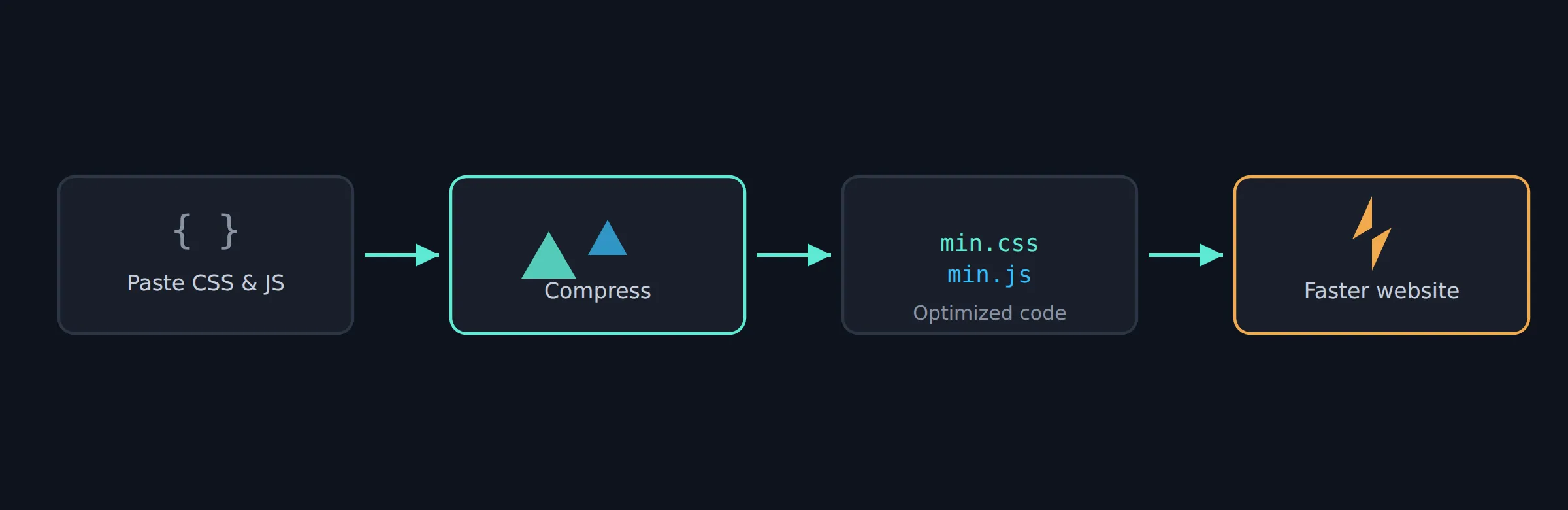
No build tools, no CLI, no config files. Here’s the whole workflow:
- Paste your code directly into the editor, or
- Upload a file — .css or .js, any size your browser can handle
- Click Compress and the tool processes it instantly
- Copy the optimized code with one click
- Or download it as a ready-to-deploy file
Why Developers Love Online Minifiers
Compared to setting up a full build pipeline for a quick job, an online css minifier or js minifier just makes sense for a lot of everyday situations:
- Fast — results in under a second for most files
- Free — no subscription for a task this fundamental
- Zero installation — nothing added to
node_modules - Cross-platform — Windows, macOS, or Linux, identically
- Privacy-friendly — client-side processing, nothing logged
- Easy copy-paste — ideal for quick WordPress or static-site edits
- Handles large files — not limited to toy examples
- Great for debugging — preview the minified output before deploying
Agencies and freelancers in particular lean on tools like this for one-off client sites where spinning up webpack or Vite for a single stylesheet just isn’t worth the setup time.
Best Practices After Minifying
Minification is one layer of a much bigger performance stack. Pair it with:
- Gzip or Brotli compression at the server level — Brotli typically edges out Gzip on text assets
- HTTP/2 or HTTP/3 for better multiplexing of requests
- Browser caching with sensible cache-control headers
- A CDN to serve assets closer to your visitors
- Removing unused CSS entirely, not just minifying what’s already there
- Tree shaking in your JS bundler to drop dead exports
- Code splitting so pages only load what they need
- Lazy loading for below-the-fold scripts and styles
- Combining files carefully — fewer requests helps, but not at the cost of blocking critical rendering
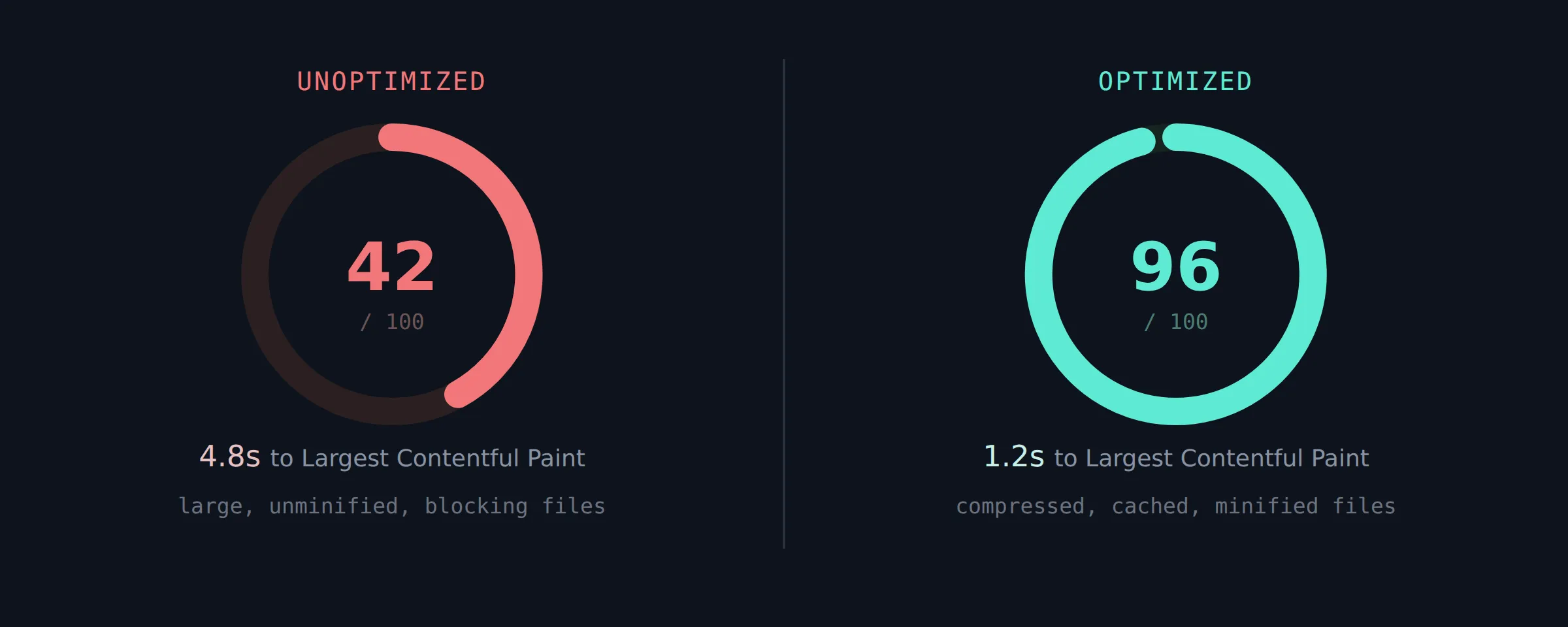
Verify the real-world impact with Chrome DevTools’ network panel and a fresh Lighthouse run before and after — the difference is usually visible immediately in your LCP number.
Frequently Asked Questions
Paste your CSS or JS, compress it, and copy the result — free, unlimited, no signup.
Every site you ship deserves a pass through a proper minifier before it goes live — it costs thirty seconds and it’s one of the cheapest performance wins available. Even a modest reduction compounds: faster parsing, quicker paint times, lighter bandwidth bills, and a real nudge on your Core Web Vitals scores.
