
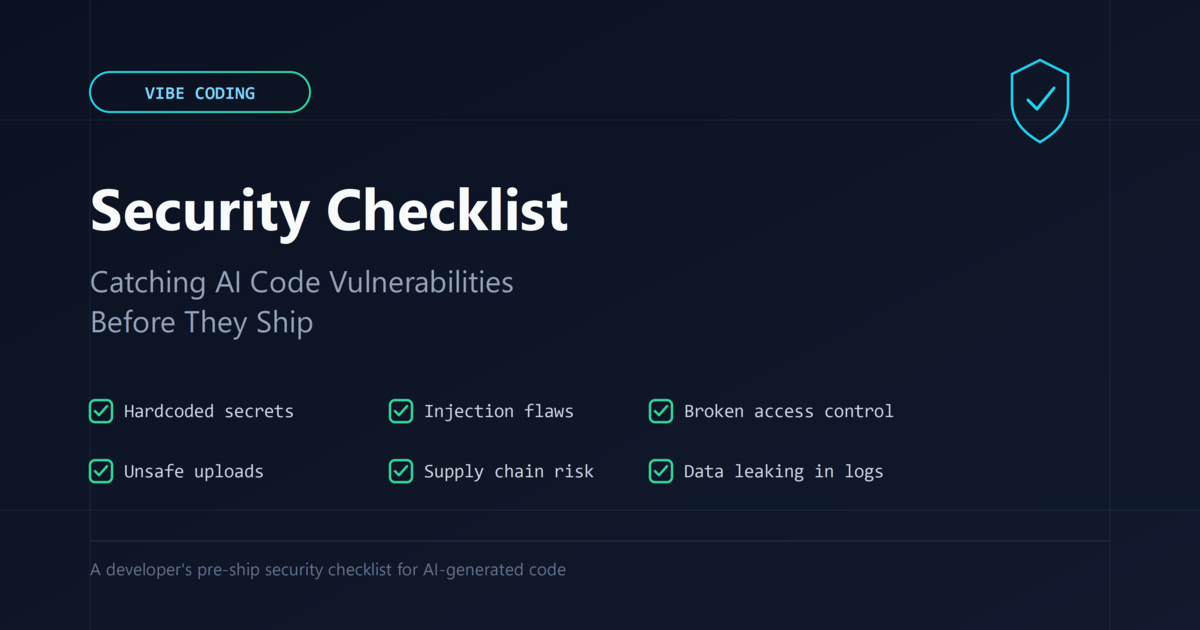
What a vibe coding security checklist needs to catch
Vibe coding means describing what you want in plain language and letting an AI assistant write the implementation, often across many files, with little line-by-line review before it runs or ships. That workflow is not inherently unsafe, but it removes a step that used to catch a lot of bugs by accident: a human typing every character and noticing when something felt off. When you paste in a prompt and accept a 200-line diff because the feature works in the browser, you have tested behavior, not security. The two are not the same thing, and AI models are tuned to produce code that runs, not code that resists misuse.
Why this code fails quietly instead of loudly
A broken feature announces itself: the button doesn’t work, the page throws an error, the demo fails. A security flaw usually does the opposite. The login form still logs people in even if it also accepts a SQL comment in the password field. The file upload still stores the image even if it also stores a PHP script with a renamed extension. Because the assistant optimizes for “this satisfies the prompt,” it will happily generate a working feature with an unsafe implementation sitting right next to it, and neither of you will see a failure until someone hostile finds it.
1. Grep the diff for hardcoded secrets before you even read the logic
Assistants routinely fill in placeholder values with something that looks real enough to run: an API key copied from an earlier turn in the conversation, a database password typed directly into a connection string “for now,” a JWT signing secret set to a literal string. Before reading a single line of business logic, search the new files for api_key, secret, password, token, and confirm every one is read from an environment variable or a vault, never typed inline.
2. Trace every place user input reaches a query, shell, or template
Ask for “a search endpoint” and you’ll often get string concatenation into a SQL statement — the shortest path from prompt to working demo. The same pattern shows up with os.system() or subprocess.run(shell=True) built from a filename the user supplied. None of these fail in testing, because testing uses well-behaved input. Trace each field from a request to where it’s used, and confirm it goes through a parameterized query or an argument list, never concatenation.
3. Look for eval, dynamic deserialization, and “just run the code” shortcuts
When a prompt asks for flexible or plugin-like behavior, assistants reach for eval(), exec(), pickle.loads(), or PHP’s unserialize(). Each of these turns user-controlled data into code the server will execute. If the feature genuinely needs dynamic behavior, the fix is a restricted evaluator or an explicit allow-list, not a general-purpose interpreter pointed at untrusted input.
4. Check who is allowed to call the endpoint, not just whether it works
Ask for “an endpoint to update the user’s profile” and you’ll get one that updates a profile — whether it checks ownership, role, or a valid nonce is a separate question the prompt never asked. This shows up as IDOR, missing current_user_can() checks, and AJAX handlers with no nonce verification. If the assistant didn’t ask who should be allowed to call it, assume it guessed “anyone.”
5. Verify every new dependency by name, not by vibe
Models occasionally suggest a package name that’s close but not quite — a plausible library that doesn’t exist, or a typosquat uploaded by someone else. Before running an install command an AI suggested, open the package’s actual registry page, confirm the name and publisher match, and pin the version rather than accepting a floating range.
6. Test file uploads with a file that isn’t what it claims to be
An AI-generated upload handler usually checks the extension and stops there — so photo.jpg.php can slip through. A real check validates actual file content, stores uploads outside the web root, and generates the stored filename server-side rather than trusting the client.
7. Read the error handling for what it prints, logs, and returns
Generated exception handling favors visibility during development: full stack traces in the response, request bodies logged with passwords intact, verbose messages that confirm whether a username exists. Check that production errors return a generic message and that logs mask credential fields before writing.
Building a pre-ship gate that doesn’t rely on you remembering
A practical gate for AI-assisted commits combines a secret scanner, a static analyzer with security rules (Semgrep or CodeQL), a dependency audit, and one human who reads the diff for intent before merging. None of these are exotic, and together they catch this checklist’s categories far more reliably than a careful read-through at 11pm when the feature finally works.
That’s the whole point of a vibe coding security checklist: catching what a satisfied user would never notice.
An AI assistant will write code that satisfies your prompt. It will not write code that anticipates a hostile user, unless you ask for that specifically and check that it delivered it. Treat every AI-generated feature as if it were written by a fast, capable contractor you’ve never met — read the diff for what it does with untrusted input, who it lets in, and what it exposes when something goes wrong.
