
You’ve got the perfect photo ready. The lighting is right, the crop is tight, and the moment feels worth sharing. Then you open the caption box and… nothing. You stare at the blinking cursor for ten minutes, type a sentence, delete it, type another, delete that too. Sound familiar?
You’re not alone. Writing captions is one of the most underrated parts of content creation, and it’s often the part people rush the most — even though it’s usually what decides whether someone stops scrolling or keeps moving. A great photo gets attention for a second. A great caption is what turns that second into a comment, a save, or a follow.
This is exactly why an Instagram Caption Generator has become one of the most useful tools for creators, marketers, and businesses in 2026. Organic reach on Instagram has been getting harder to earn every year, the algorithm rewards genuine engagement over vanity likes, and most people simply don’t have the time to write a fresh, on-brand caption for every single post. AI has stepped in to close that gap — not by replacing your voice, but by giving you a fast starting point you can tweak and make your own.
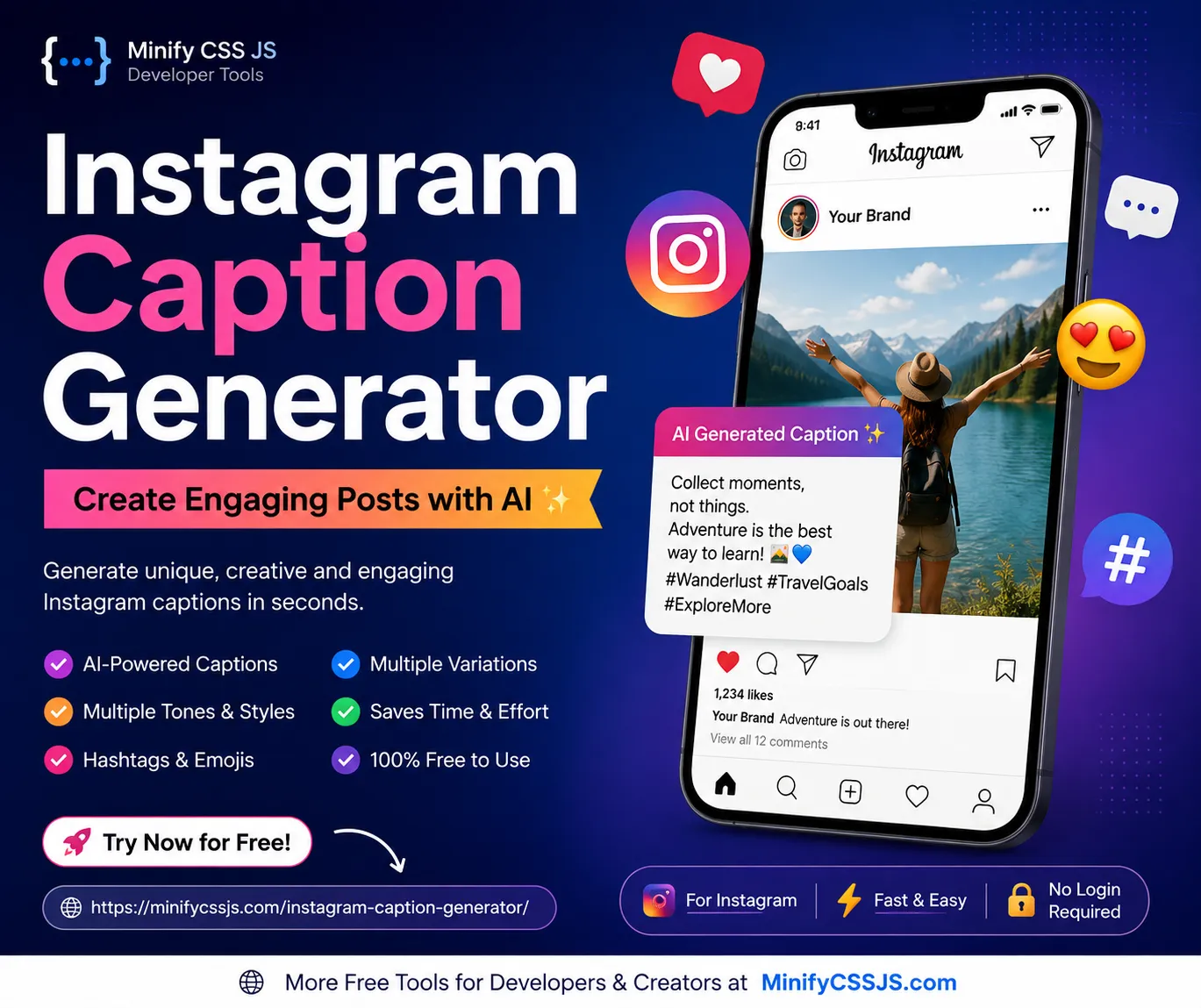
That’s what the free AI Social Caption Generator on Minify CSS JS is built for. Type in your topic, pick a tone, choose your platform, and get a ready-to-post caption in seconds — complete with relevant hashtags and a clear call to action. It works for Instagram, and it also generates captions for Facebook, LinkedIn, X (Twitter), Pinterest, and TikTok, so you’re not stuck using five different tools for five different platforms.
In this guide, we’ll walk through everything you need to know: what an Instagram caption generator actually is, why captions matter more than most people realize, what separates a scroll-stopping caption from a forgettable one, and how to use AI to write better captions faster — without sounding robotic. By the end, you’ll have a clear system for writing captions and a free Instagram Caption Generator ready to use whenever you need it.
What Is an Instagram Caption Generator?
An Instagram caption generator is a tool that uses artificial intelligence to write caption text for your Instagram posts, Reels, or Stories based on a short input from you — usually a topic, keyword, or brief description of the image.
Instead of starting from a blank page, you give the tool context (for example, “new coffee shop opening this weekend” or “before and after gym transformation”), and it produces a caption that includes a hook, some supporting text, and often a call to action or relevant hashtags.
How It Works in Simple Terms
Think of it like having a copywriter on standby. You describe what the post is about, tell it the vibe you’re going for, and it hands you a few lines of text you can post as-is or edit to match your voice. Most modern tools, including the Minify CSS JS generator, also let you:
- Choose a tone (funny, professional, motivational, casual, and more)
- Pick a platform so the caption matches that platform’s style and length norms
- Select a language
- Set a caption length (short, medium, long)
- Generate multiple variations so you can pick the one that fits best
A Real-World Example
Say you run a small bakery and just pulled a fresh batch of sourdough out of the oven. Instead of typing “fresh bread today, come get some,” you could enter “fresh sourdough bread, weekend special, cozy bakery vibe” into the generator and get something like:
“Warm, crusty, and straight out of the oven. Our weekend sourdough is here and it won’t last long. Come grab a loaf before it’s gone.”
That’s a caption with a hook, some sensory detail, and a soft call to action — written in under five seconds instead of ten minutes of second-guessing.
For Beginners: Why This Matters
If you’re new to content creation, captions can feel intimidating because there’s an unspoken pressure to sound clever or quotable. An AI caption tool removes that pressure. It gives you a solid draft to react to, which is almost always easier than creating something from nothing. You edit it, add your own personality, and publish — no writer’s block required.
Why Captions Matter (More Than You Think)
It’s tempting to treat captions as an afterthought, something you type quickly right before hitting “Share.” But captions do real work for your account.
Captions drive engagement signals. Instagram’s algorithm pays attention to comments, saves, shares, and time spent on a post. A caption that asks a genuine question or tells a short story encourages people to comment, and comments are one of the strongest engagement signals a post can get.
Captions increase saves and shares. Posts with useful, list-style, or emotionally resonant captions tend to get saved and shared more often, because the caption itself adds value beyond the image. According to HubSpot, engagement-focused captions and consistent posting are repeatedly linked to stronger account growth on Instagram.
Captions extend reach. When a post gets more comments and saves in its first hour, Instagram is more likely to show it to a wider audience. A weak or missing caption gives the algorithm fewer reasons to push your content further.
Captions build trust. A caption is often the only place you get to sound like a real person. It’s where your brand voice, humor, or expertise comes through, which builds the kind of trust that turns a follower into a customer or a customer into a repeat customer.
Captions support discovery. Instagram’s search and recommendation systems also look at caption text to understand what a post is about, alongside hashtags and alt text. A clear, keyword-relevant caption helps the right audience find your content, something Meta Business has emphasized as social search grows in importance.
In short: the photo gets someone to pause. The caption gets them to act.
Features of the Minify CSS JS AI Social Caption Generator
Here’s what you get with the free AI Social Caption Generator:
| Feature | What It Does |
|---|---|
| AI-Powered Writing | Generates natural, human-sounding captions from a short topic input |
| Multiple Platforms | Works for Instagram, Facebook, LinkedIn, X, Pinterest, and TikTok |
| Tone Selection | Choose from tones like funny, professional, casual, motivational, and more |
| Caption Length Control | Pick short, medium, or long captions depending on the post |
| Emoji Support | Optionally adds relevant emojis for visual appeal |
| Hashtag Suggestions | Suggests hashtags related to your topic and niche |
| CTA Generator | Builds in a call to action to boost comments, saves, and shares |
| Multiple Variations | Generates several options so you can pick the best fit |
| Fast Generation | Produces a caption in seconds, not minutes |
| 100% Free | No hidden fees or paywalled features |
| No Login Required | Use it instantly without creating an account |
| Mobile Friendly | Works smoothly on phones, tablets, and desktops |
How to Use the Instagram Caption Generator
Getting a caption takes less time than reading this sentence twice. Here’s the step-by-step process using the AI Social Caption Generator:
- Open the tool. Go to the AI Social Caption Generator on Minify CSS JS.
- Enter your topic. Type a short description of your post — what it’s about, what’s happening in the image, or the message you want to send.
- Select your platform. Choose Instagram (or another platform if you’re repurposing content).
- Choose a tone. Pick the style that matches your brand — funny, professional, casual, inspiring, and so on.
- Select a language. Choose the language you want the caption written in.
- Choose a length. Decide between a short punchy caption or a longer, story-style one.
- Generate the caption. Click generate and let the AI do the writing.
- Copy the result. Grab the caption text with one click.
- Edit if needed. Add your own personal touch, a specific detail, or your usual sign-off.
- Publish. Paste it into Instagram along with your image and post.
That’s the whole process — no downloads, no account creation, no learning curve.
Instagram Caption Templates by Niche
Use these as starting points, or generate similar ones instantly with the AI Social Caption Generator.
Business: “Big things are happening behind the scenes. Here’s a sneak peek before we make it official.”
Fashion: “This outfit took two minutes to plan and ten compliments to justify. Which piece would you wear first?”
Travel: “Some places don’t need a filter. This was one of them.”
Food: “Made with three ingredients and a lot of patience. Recipe in the comments if you want it.”
Fitness: “Six weeks ago I couldn’t do this. Today I did it twice. Small steps count.”
Education: “Here’s one thing most people get wrong about this topic — and how to fix it.”
Technology: “We built this because the old way was taking too long. Here’s what changed.”
Marketing: “Your audience doesn’t want more content. They want the right content. Here’s how to find it.”
Photography: “Golden hour doesn’t wait for anyone. Neither did I.”
Beauty: “Five minutes, three products, zero filters. This is the real finish.”
Startup: “We started this with a laptop and a deadline we probably shouldn’t have set. Here’s where we are now.”
Motivation: “You don’t need to feel ready. You just need to start.”
Quotes: “‘Progress, not perfection.’ Save this one for the days that feel slow.”
Personal Brand: “I used to think I needed a niche before I started posting. Turns out, starting was the niche.”
Ecommerce: “Back in stock and already halfway sold out. Link in bio before it’s gone again.”
Common Instagram Caption Mistakes to Avoid
- Writing the caption as an afterthought right before posting.
- Starting with a weak or vague first line.
- Using the same CTA on every single post.
- Stuffing captions with too many hashtags that aren’t relevant.
- Ignoring your platform’s caption length norms.
- Sounding overly promotional in every post.
- Skipping the question or engagement prompt entirely.
- Copy-pasting the exact same caption across all platforms without adjusting tone.
- Using emojis that don’t match the message.
- Writing captions with no clear point or takeaway.
- Forgetting to proofread before publishing.
- Overexplaining the image instead of adding new value.
- Using jargon your audience doesn’t understand.
- Not testing different caption styles over time.
- Posting without a CTA and expecting comments anyway.
- Making the caption longer than the message actually needs.
- Ignoring accessibility, like relying on emojis or symbols that screen readers can’t interpret well.
