
Regular expressions can save a lot of time when you need to find, validate, extract, or replace specific patterns in text. The problem is that writing a regex is often only half the job. You still need to test it against real text, check what it captures, make sure your flags are correct, and sometimes figure out why a pattern is not behaving the way you expected.
That is where an online regex tester can make the process much easier.
A regex tester gives you a place to write your pattern, provide sample text, and immediately see what matches. Instead of repeatedly changing your code and running a script just to check one expression, you can experiment with the pattern directly in your browser.
What Is a Regex Tester?
A regex tester is a tool for testing regular expressions against sample text.
Regular expressions, commonly called regex or regexp, are patterns used to describe text. For example, \d+ can find runs of digits, while a pattern containing @ and a domain structure can be used as a basic filter for email-shaped text.
Regex is useful for many everyday developer tasks:
- Finding numbers inside text
- Extracting URLs
- Checking input formats
- Finding dates or IDs
- Replacing repeated characters or whitespace
- Working with logs and structured text
- Testing form validation rules
- Extracting information using capture groups
The challenge is knowing whether your pattern actually does what you intended. A regex tester provides immediate feedback.
Test JavaScript Regex Patterns in Your Browser
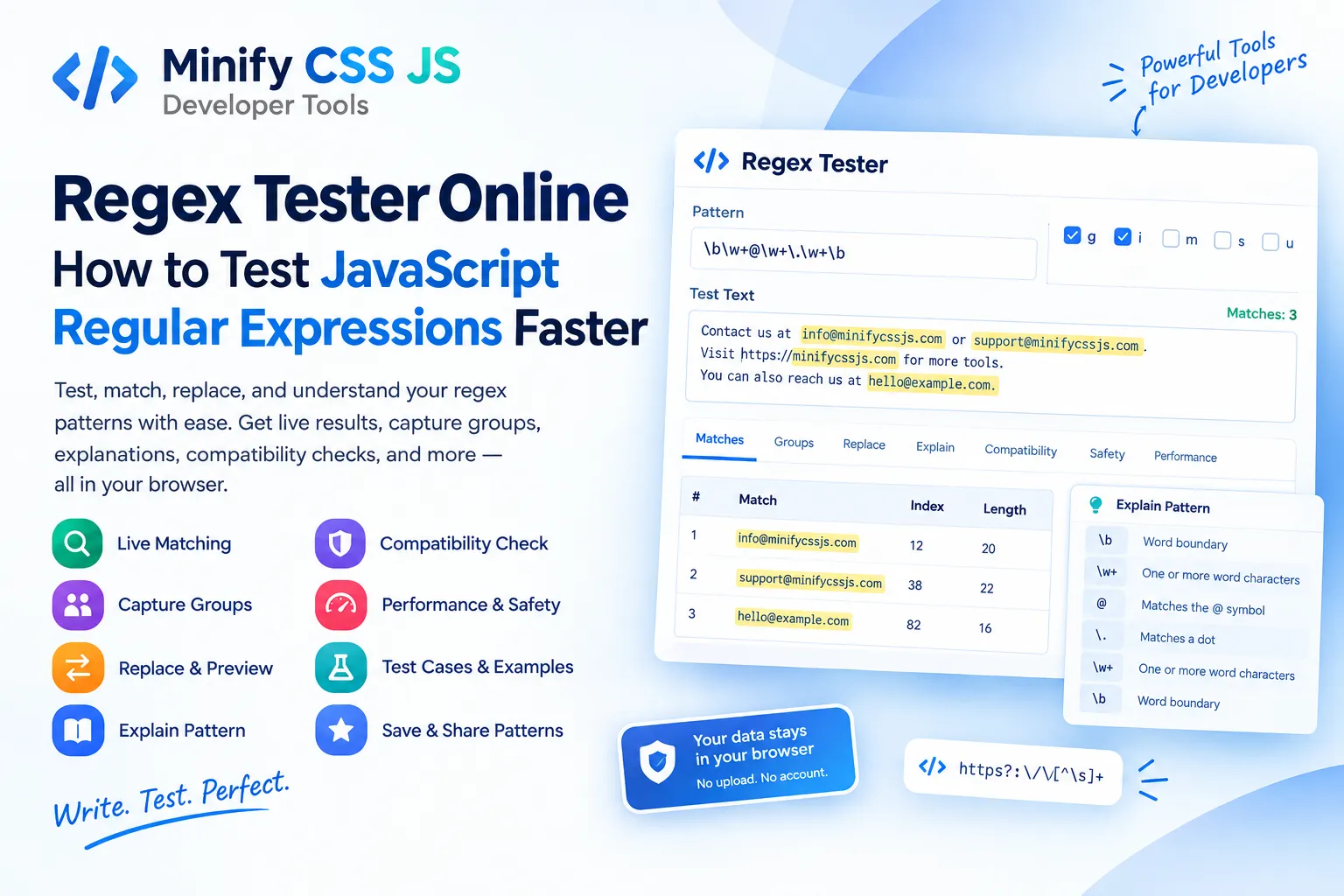
The Regex Tester on Minify CSS JS is designed specifically around JavaScript’s regular expression engine. You enter the pattern without the surrounding slash characters, add your test text, and the matches update as you work.
There is no need to write a temporary JavaScript file just to test a pattern.
The tool provides a live preview so you can see matching text as you change the pattern, flags, or test input. It also reports the number of matches and provides additional information about individual matches.
This makes it useful for both quick checks and more detailed regex development.
See Capture Groups Instead of Only Matches
Finding a match is not always enough.
Many useful regular expressions contain capture groups that separate information from a larger match. For example, you might have a pattern that extracts a username and domain from an email-shaped string.
The Regex Tester can show numbered capture groups as well as named groups. You can inspect what each part of the pattern actually captured instead of trying to understand the result from the complete match alone.
For larger expressions, this can make debugging considerably easier.
Preview Regex Replacements Before Using Them
Regex is often used for replacement as well as searching.
The Replace functionality lets you enter a replacement string and preview the resulting output. You can work with common replacement references such as $1, $2, $&, and named groups.
This is useful when cleaning text, changing formats, removing unwanted characters, or transforming repeated patterns.
Instead of modifying the original data immediately, you can test the replacement against sample text first and check the result.
Understand What Your Regex Does
A regular expression can become difficult to read surprisingly quickly.
Anchors, character classes, quantifiers, groups, lookarounds, and other features can make a short pattern look confusing. The Explain section helps break a valid pattern into individual pieces and describes what those pieces are doing.
This can be especially useful when you inherit an old regex from another project or are learning regular expressions and want to understand why a particular pattern works.
Check Regex Flags
Flags change how a JavaScript regular expression behaves.
The tool provides controls for JavaScript flags including:
gfor global matchingifor case-insensitive matchingmfor multiline behaviorsfor allowing dot to match line breaksufor Unicode behaviorvfor Unicode Setsyfor sticky matchingdfor match indices where supported
Being able to switch flags on and off makes it easier to understand why a regex produces different results under different conditions.
Browser support can vary for newer features, so the tester also indicates when certain flags are not supported by the current browser.
Compare Regex Compatibility
A pattern written for JavaScript is not automatically guaranteed to behave the same way in another programming language.
Python, PHP, Java, .NET, Ruby, Rust, RE2, and PCRE2 can have differences in syntax and feature support.
The Regex Tester’s Compatibility section provides a static comparison against several popular regex environments. It is important to understand that this is a compatibility reference rather than live execution inside every target language.
That distinction matters when moving a regular expression from one programming environment to another.
Useful Regex Examples
If you are starting with regular expressions, examples are often easier to understand than a long syntax reference.
Common patterns include:
Find numbers
\d+
Find URLs
https?:\/\/[^\s]+
Check a date shape
^\d{4}-\d{2}-\d{2}$
Find hexadecimal colors
^#(?:[0-9a-fA-F]{3}|[0-9a-fA-F]{6})$
These examples are starting points rather than universal validators. For example, a date-shaped regex can confirm that text follows a particular format, but it cannot determine whether a date such as February 30 is actually valid.
A Practical Tool for Developers
One of the biggest advantages of a browser-based regex tester is speed.
You can paste sample data, adjust the pattern, inspect the matches, experiment with flags, preview replacements, and copy the result without creating a separate test script.
The tool also includes features such as saved patterns, recent history, test cases, a regex cheatsheet, keyboard shortcuts, copy controls, and downloadable results.
For developers who work with JavaScript, forms, APIs, logs, text processing, validation, or data cleanup, having these capabilities in one place can make regex experimentation much less frustrating.
Is the Regex Tester Free?
The Regex Tester on Minify CSS JS is available as a free browser-based developer tool and does not require an account or installation.
Matching is performed using the browser’s JavaScript RegExp engine, so your test pattern and text are processed locally for the matching operation rather than being uploaded to a server for computation.
That makes it convenient for quick experiments when you want to test a regular expression without setting up another development environment.
